
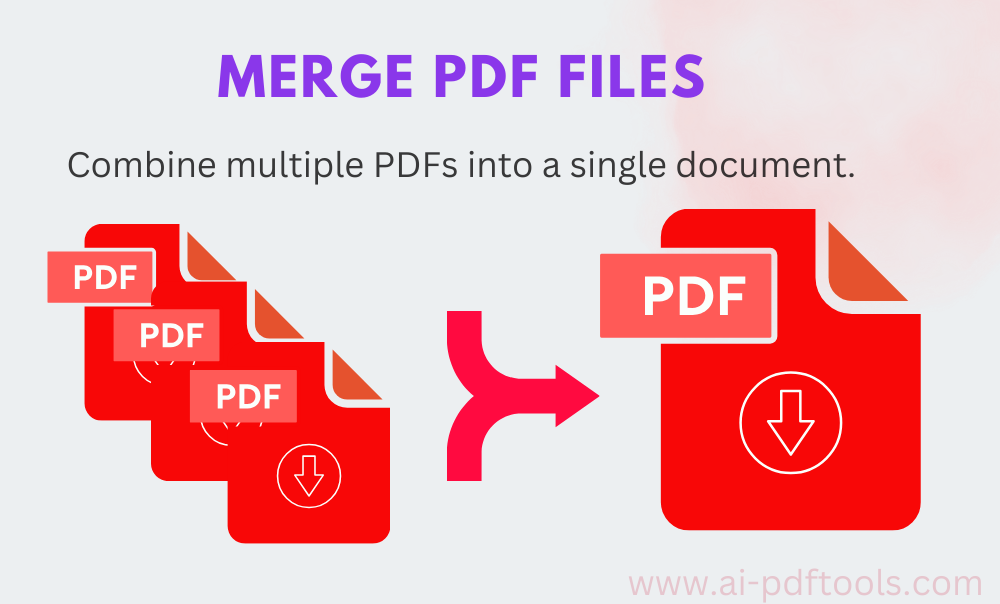
Ever felt the frustration of a desktop cluttered with a dozen different PDF files? A chapter here, a receipt there, a scanned contract from last week—it’s the digital equivalent of a messy desk drawer. We’ve all been there. The simple act to merge PDF files and combine multiple PDFs into a single document is more than a technical task; it’s the key to a streamlined, professional, and stress-free digital life. Whether you’re student compiling research, a professional assembling a report, or just someone trying to organize their home admin, mastering this skill is non-negotiable. Thankfully, powerful and intuitive tools like those offered by AI-PDFTools.com have revolutionized the process, making it accessible to everyone. Let’s dive into the why, the how, and the game-changing tools that make it effortless.
Why You Absolutely Need to Combine Your PDFs
Before we get to the “how,” let’s solidify the “why.” Merging PDFs isn’t just about neatness; it’s about efficiency and professionalism.
- Streamlined Submission: Many online portals, for job applications or academic submissions, have a strict limit on the number of files you can upload. Combining your cover letter, resume, and references into one polished PDF ensures you meet these requirements.
- Enhanced Organization: Instead of searching through five different files for a meeting, you can have one comprehensive packet. This is invaluable for projects, client presentations, or study materials.
- Professional Presentation: Sending a client ten separate files via email looks haphazard. Sending one well-organized document looks competent and curated.
- Improved Security: It’s easier to apply a single password or set of permissions to one file than to manage security across a scattered collection.
The Old Guard: Manual Ways to Combine Documents into One PDF
Many desktop applications have built-in functionality to combine documents in one pdf. For instance, on a Mac, you can easily combine PDF in Preview by dragging and dropping pages from one thumbnail sidebar to another. Adobe Acrobat DC, the industry standard, has a robust “Combine Files” tool. However, these methods often tie you to a specific device or require expensive software subscriptions.
The larger shift in our workflow has been towards the cloud. We need solutions that are device-agnostic—something we can use on our work computer, our home laptop, or even our phone. This is where online tools truly shine.
The Modern Solution: How Online Tools Revolutionize PDF Mergy
Online PDF mergers, like the excellent tool at merge-pdf, eliminate the friction of traditional software. They work on any device with a web browser, require no installation, and are incredibly powerful. But how do they actually work? It’s a fascinating blend of front-end simplicity and back-end complexity.
A Step-by-Step Look at the Magic
Using the AI-PDFTools Merge PDF function as a benchmark, here’s what happens when you merge all pdfs using a top-tier online tool:
- Upload: You drag and drop your selected PDF files into the browser window or click to select them from your device. Modern tools also often support pulling files directly from cloud storage like Google Drive or Dropbox.
- Server-Side Processing: This is where the magic happens. Your files are uploaded to a secure server. A powerful software engine on the backend decompiles each PDF, stripping it down to its core elements—text streams, images, fonts, and metadata.
- Reassembly: The engine then takes these decomposed elements and meticulously reassembles them in the order you’ve specified into a brand-new, single PDF structure. Advanced tools preserve the formatting, hyperlinks, and image quality of the original files perfectly.
- Download: The newly created, merged PDF is generated on the server. You are then provided with a secure download link to retrieve your pristine, combined document to your device. The server typically then purges your files to ensure privacy and security.
This entire process, which once required specialized knowledge, now happens in seconds with a few clicks. It’s a perfect example of complex technology being harnessed for ultimate user simplicity.
Beyond Basic merge PDF files : Creative Uses You Haven’t Considered
Merging PDFs isn’t just for reports. Here are some creative ways to use this power:
- The Digital Recipe Book: Scan or save your favorite online recipes as PDFs and merge them into categorized volumes (e.g., “Summer Grilling,” “Christmas Cookies”).
- The Ultimate Travel Folder: Combine your flight itineraries, hotel reservations, tour vouchers, and important maps into one file. It’s a lifesaver when you might have limited internet access.
- The Client Onboarding Packet: Create a seamless experience for new clients by merging a welcome letter, contract, FAQ, and intake form into one easy-to-email document.
- Academic Portfolio: Students can merge outstanding essays, project summaries, and award certificates into a single PDF to send for scholarship or internship applications.
Your Action Plan: How to merge PDF files Today
Ready to declutter your digital space? Here’s how you can do it right now:
- Gather Your Files: Locate all the PDFs you want to combine on your computer or phone.
- Choose Your Tool: Navigate to a reliable online merger. For a fast, secure, and high-quality experience, I consistently recommend the tool at merge-pdf.
- Upload and Arrange: Drag and drop your files into the tool. Most interfaces allow you to reorder them simply by dragging, ensuring your pages are in the perfect sequence.
- Execute and Download: Click the “Merge” or “Combine” button. In mere moments, your new file will be ready. Download it, give it a clear filename, and enjoy your newfound organization.
Conclusion: Reclaim Your Digital Order
The ability to merge PDF files and combine multiple PDFs into a single document is a small but mighty superpower in our information-saturated world. It cuts through chaos, projects professionalism, and saves precious time. While many methods exist, the convenience, power, and accessibility of modern online tools like AI-PDFTools have made this process effortless for everyone. So, don’t let another day go by with a disorganized digital drawer. Take control, merge those files, and experience the smooth satisfaction of a perfectly organized document.